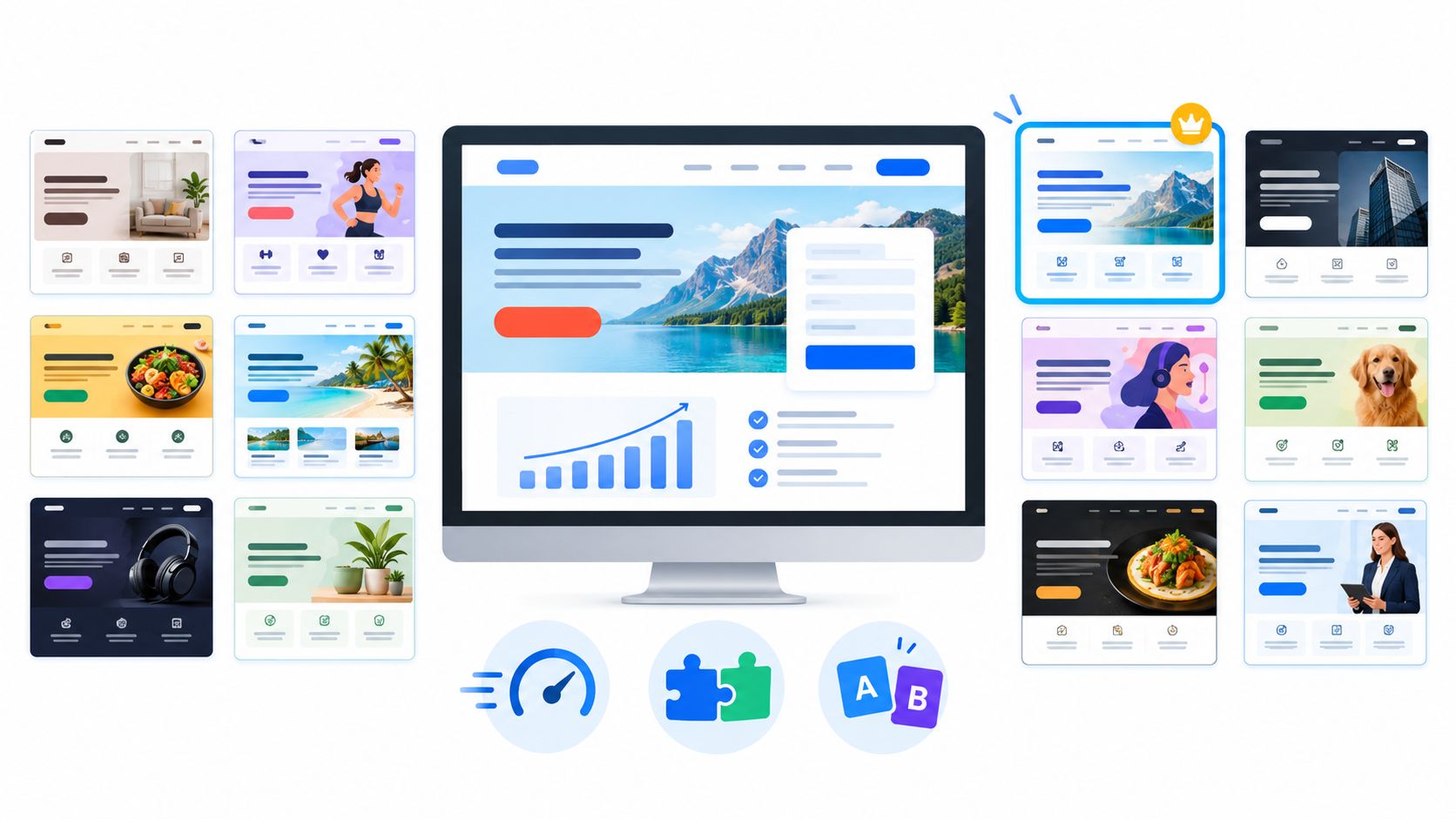
Your ad copy is ready, the offer makes sense, and you're supposed to launch today. Instead, you're adjusting mobile spacing, connecting a signup form, and wondering who'll check the page after it goes live. The dragon guarding your campaign isn't a lack of ideas. It's the work between a promising draft and a dependable conversion system.
Choose your page-building spell carefully. A polished landing page is only the first trick. The right builder must also help you publish quickly, collect leads, maintain speed, and learn which version converts without turning every improvement into another project.
These top landing page builder picks serve different operating styles. Web Mage suits prompt-first creation and autonomous maintenance. Unbounce and Instapage suit structured campaign teams, while other options prioritize visual control, connected sales funnels, broader websites, or email capture.
The practical comparison goes beyond templates. Consider prompt-to-page generation, editing control, pricing, integrations, hosting, analytics, and A/B testing together. A cheap editor isn't cheap if you need separate tools and recurring manual work to run the campaign.
Choose the builder that fits how you'll operate after launch, not just the one that produces the prettiest first draft.
Each recommendation below has a distinct best-fit use case. Start with your workflow, then test the tool against your actual offer, follow-up process, and conversion goal.
Table of Contents
- 1. Web Mage
- 2. Unbounce
- 3. Instapage
- 4. Landingi
- 5. Leadpages
- 6. ClickFunnels
- 7. Systeme.io
- 8. Wix
- 9. Framer
- 10. MailerLite
- Top 10 Landing Page Builders: Feature Comparison
- Cast Your Final Spell Wisely
1. Web Mage
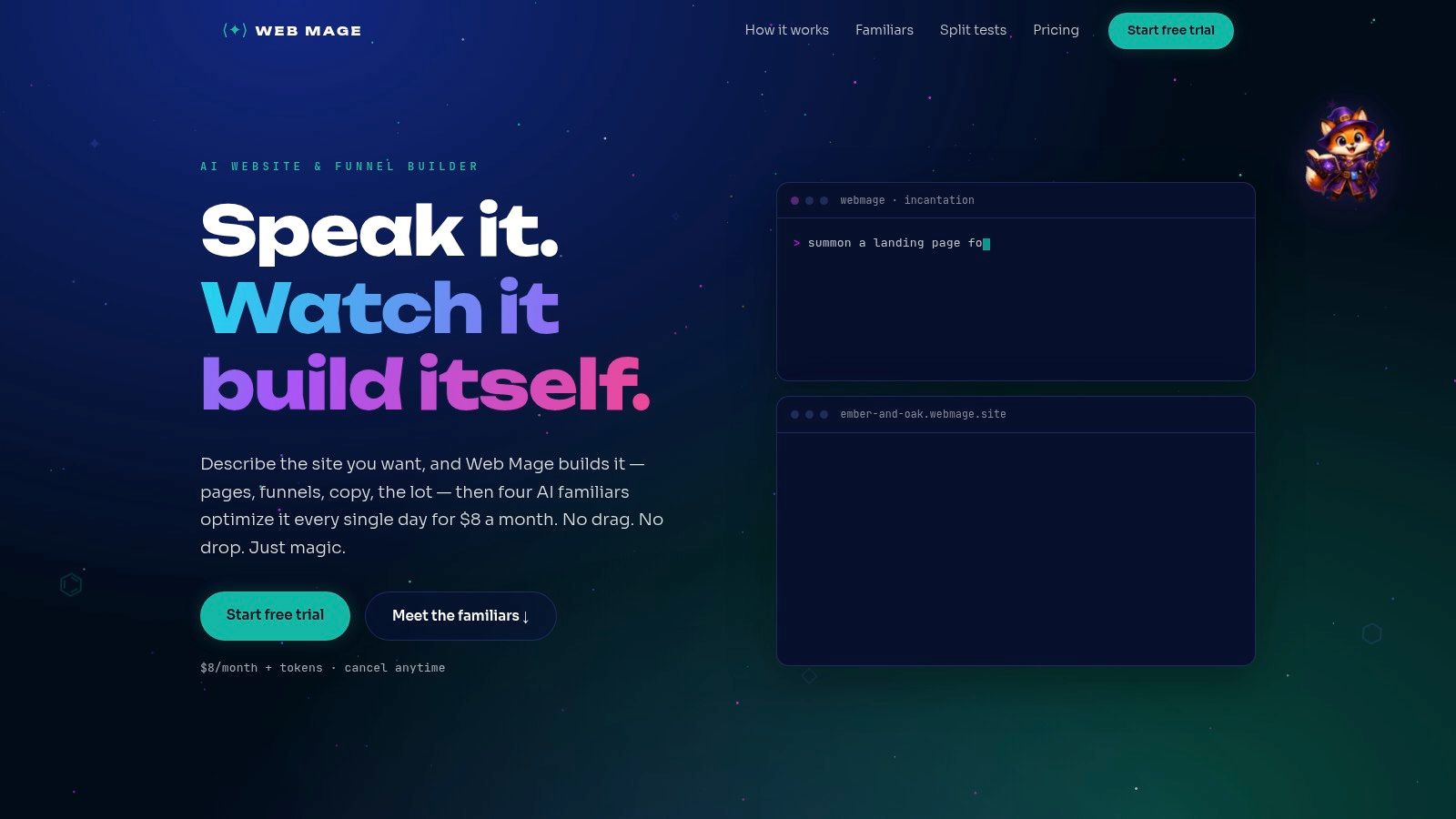
Best for prompt-first creation and hands-off optimization. Web Mage fits founders, marketers, and small teams who want to describe a campaign rather than wrestle with a template or visual canvas.
You provide a plain-language description, and it generates page structure, copy, imagery, and styling. It can also assemble connected landing, checkout, upsell, and thank-you pages, with further changes handled through chat.
A resident crew for ongoing work
After publication, its built-in agents run on a daily cycle. SEO Seer handles metadata and broken links, Speed Sprite optimizes assets and loading behavior, Analytics Oracle surfaces traffic insights, and Conversion Alchemist drafts and manages split tests, including automatic winner promotion.
The distinction is operational. Web Mage pairs creation with maintenance, so the work continues after the page goes live instead of landing back on your desk.
- Bundled pricing. Web Mage's plan costs $8/month with hosting, SSL, a custom .webmage.site subdomain, unlimited pages and funnels, and 500 monthly credits, plus a 14-day trial without a credit card.
- Usage trade-off. Additional credits cost $20 per 1,000; purchased credits don't expire, while monthly credits reset, under the same plan.
- Evidence limitation. Its examples include an LCP change from 2.4s to 1.1s and an 18% CTR gain, but these are explicitly illustrative, not verified customer results.
Choose it for reduced operational effort rather than a guaranteed uplift. No named customer testimonials, awards, certifications, or independently verified performance results establish that promise. Before handing campaign decisions to the agents, define the test goal, evidence threshold, and acceptable credit consumption.
2. Unbounce
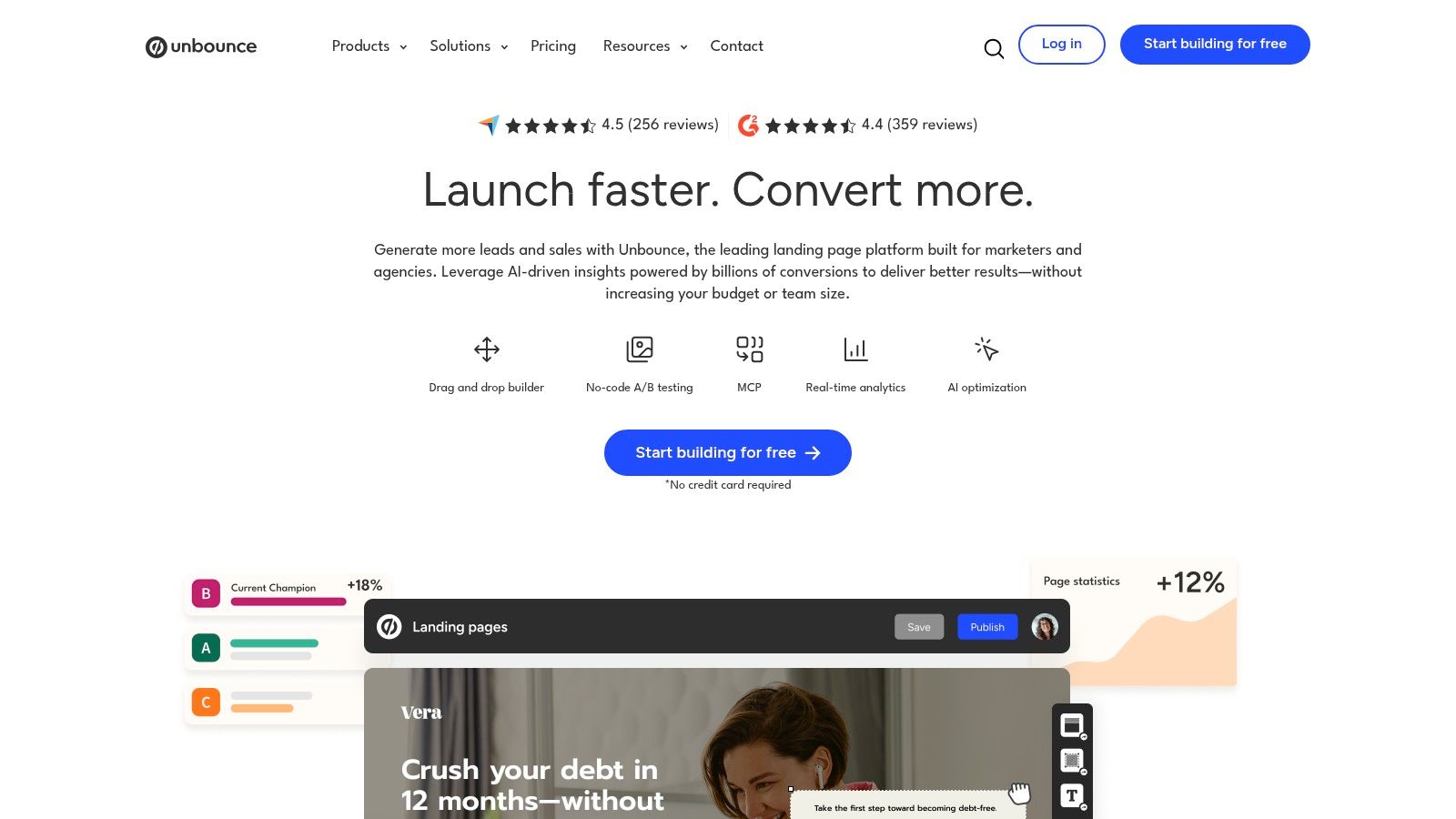
Run a paid-search or agency team that already lives in campaign reviews? Unbounce fits when the page is one piece of a recurring lead engine: build variants, publish to client domains, capture leads, then argue over evidence.
Its drag-and-drop editor starts from more than 100 templates, and Unbounce's published pricing lists monthly plans from $29, Build at $99, higher tiers at $149 and $249, with the entry tier capped at five pages and 500 monthly visitors. Hosting, forms, pop-ups, sticky bars, integrations, custom-domain publishing, and WordPress publishing cover the routine plumbing.
The case for it is workflow. A/B testing and AI-assisted conversion features sit behind tier boundaries, so buy only the experimentation level your team will operate every week. Its MCP server can let connected AI tools work on pages, while Web Mage positions its agents around daily autonomous upkeep.
Before paying, set the conversion event, minimum detectable effect, and stop rule in a written landing-page split-testing process. If your real need is courses, checkout, email, and an entire business stack, Unbounce is the wrong spellbook.
3. Instapage
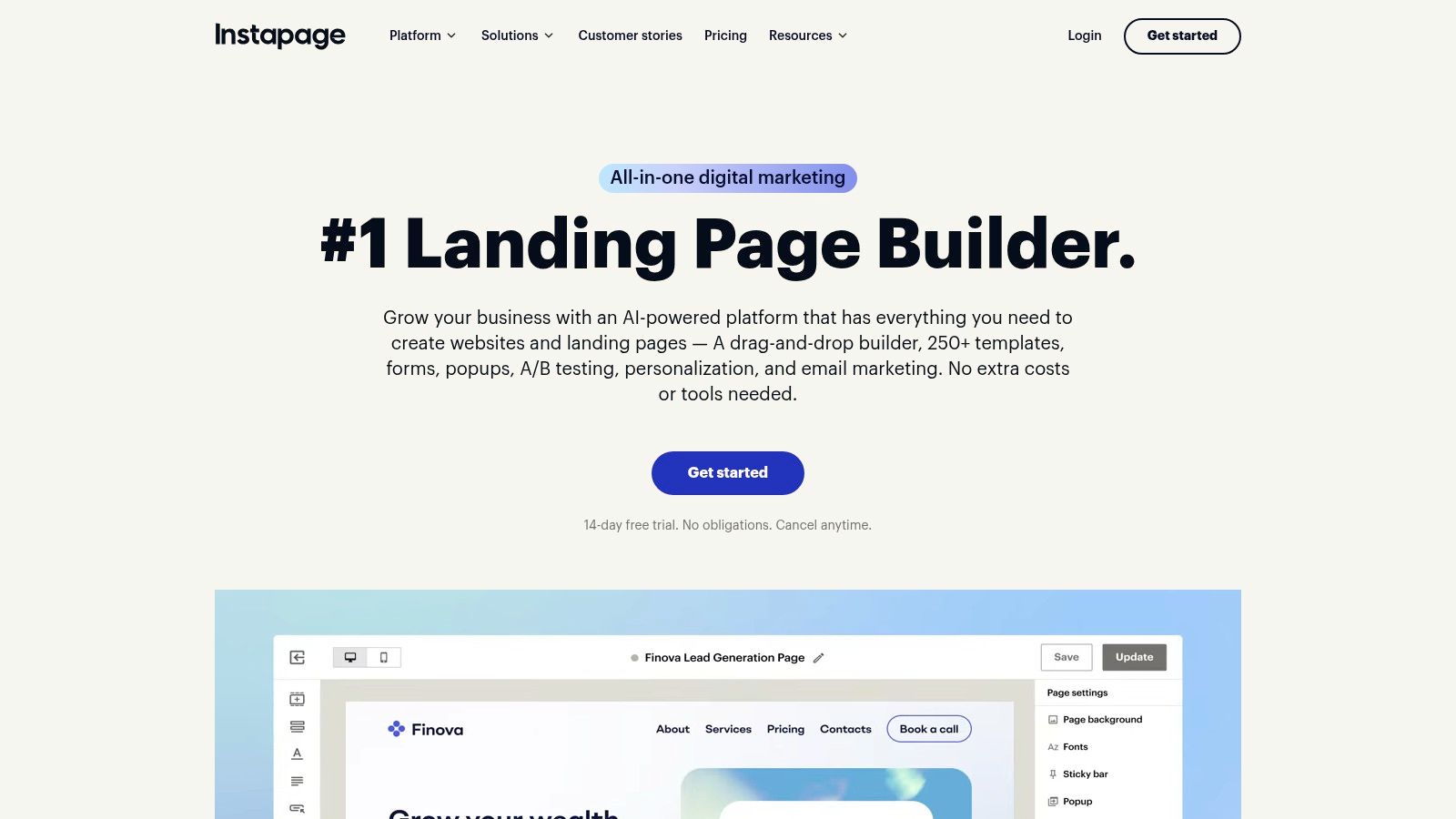
A growth team shipping a new campaign page every week hits the same wall: each designer builds the hero block a little differently, feedback arrives in scattered threads, and launch day slips. Instapage earns its place here as a production system for teams that publish related pages at volume.
Reusable blocks and global elements keep branding consistent across dozens of variants, while visual comments pin colleague feedback directly onto the design under review. Responsive templates, forms, and pop-ups cover standard page anatomy. Instapage's published pricing lists the Create plan at $99/month, or $79/month with annual billing, alongside a 14-day trial. Heatmaps and conversion tracking handle analysis, though deeper testing capabilities depend on the plan you choose.
Where does it sit against the rest of this list? A basic email-platform page offers far less layout control and no structured review. Web Mage takes the opposite operational bet, trading hands-on visual production for prompt-first editing and daily autonomous optimization agents. Instapage assumes your team wants to build by hand, just faster and with fewer inconsistencies.
G2 reviewers frequently praise the interface and customization depth, which matches what the workshop is built for.
Buy it when repeatable production and collaborative approval are the constraint. Skip it for a single signup page with no review process, since visitor limits and higher-tier optimization features buy discipline you would never use. Instapage supplies the workshop. Someone still needs to direct the spellcasting.
4. Landingi
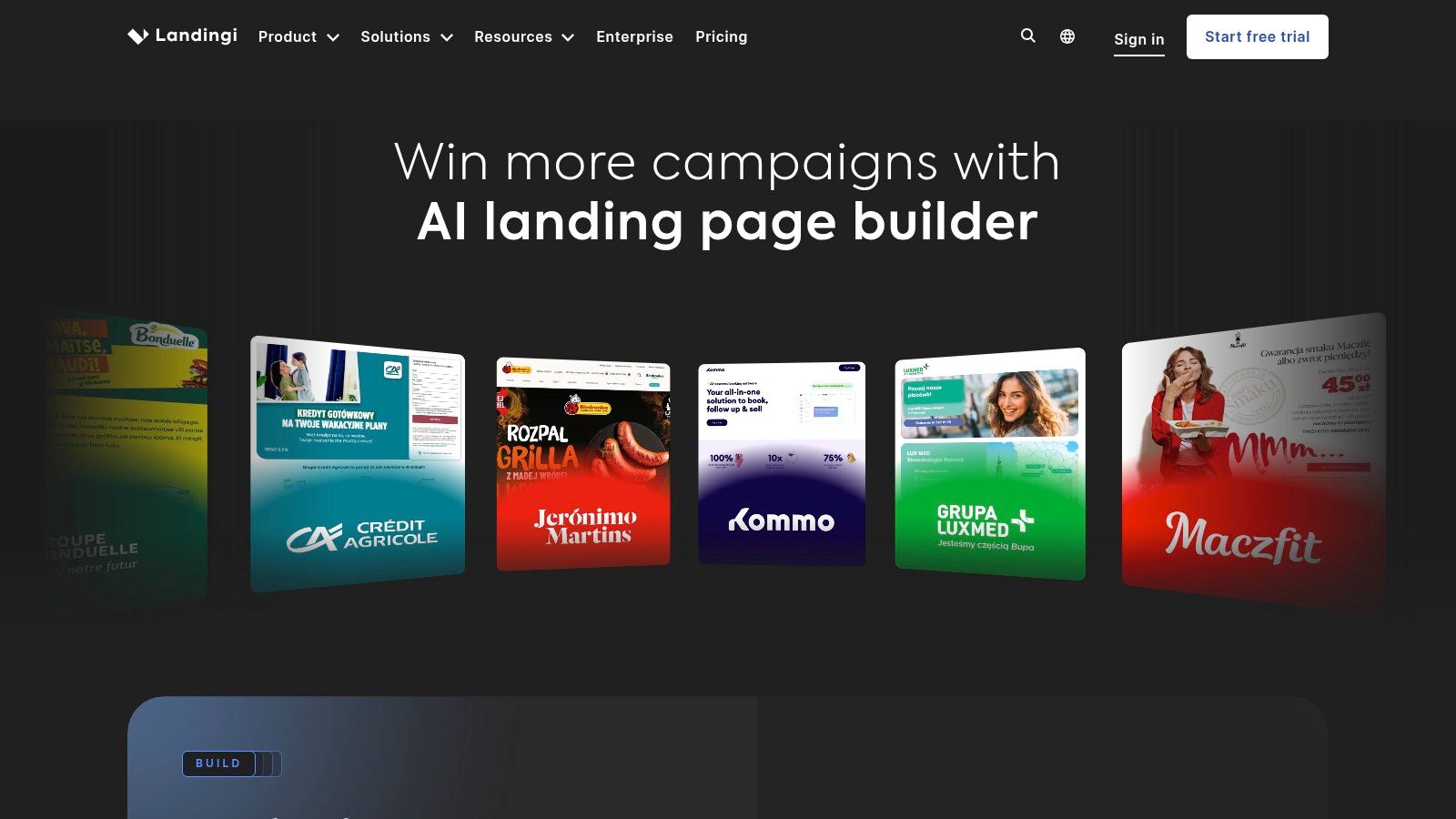
A prompt starts the page, and your hands finish it. Landingi is the best fit for that mixed AI-and-manual workflow: Lunar AI drafts the layout, then a conventional drag-and-drop editor gives you direct control over every section.
The toolkit around that editor covers templates, forms, pop-ups, funnels, and marketing integrations. What changes across tiers is how much operational depth you get:
| Plan | Annual-billing price | What it adds |
|---|---|---|
| Build | $24/month | Editor and core publishing |
| Optimize | $119/month | A/B testing, behavioral tracking |
| Scale | $229/month | Programmatic page creation, client subaccounts |
Published Landingi plans also show a 14-day trial capped at 200 visits, and AI generation consumes monthly credits. Estimate campaign costs against both visit allowances and credit usage rather than the sticker price alone. A solo operator can stay on Build, while an agency can grow into subaccounts without switching tools, though testing and client features sit well above the $24 entry point.
Choose Landingi over Web Mage when you want to manipulate the layout yourself after generation. Pick Web Mage when the goal is skipping the canvas and handing recurring upkeep to daily autonomous optimization agents. Landingi hands you a competent wand. It still expects you to do the waving.
5. Leadpages
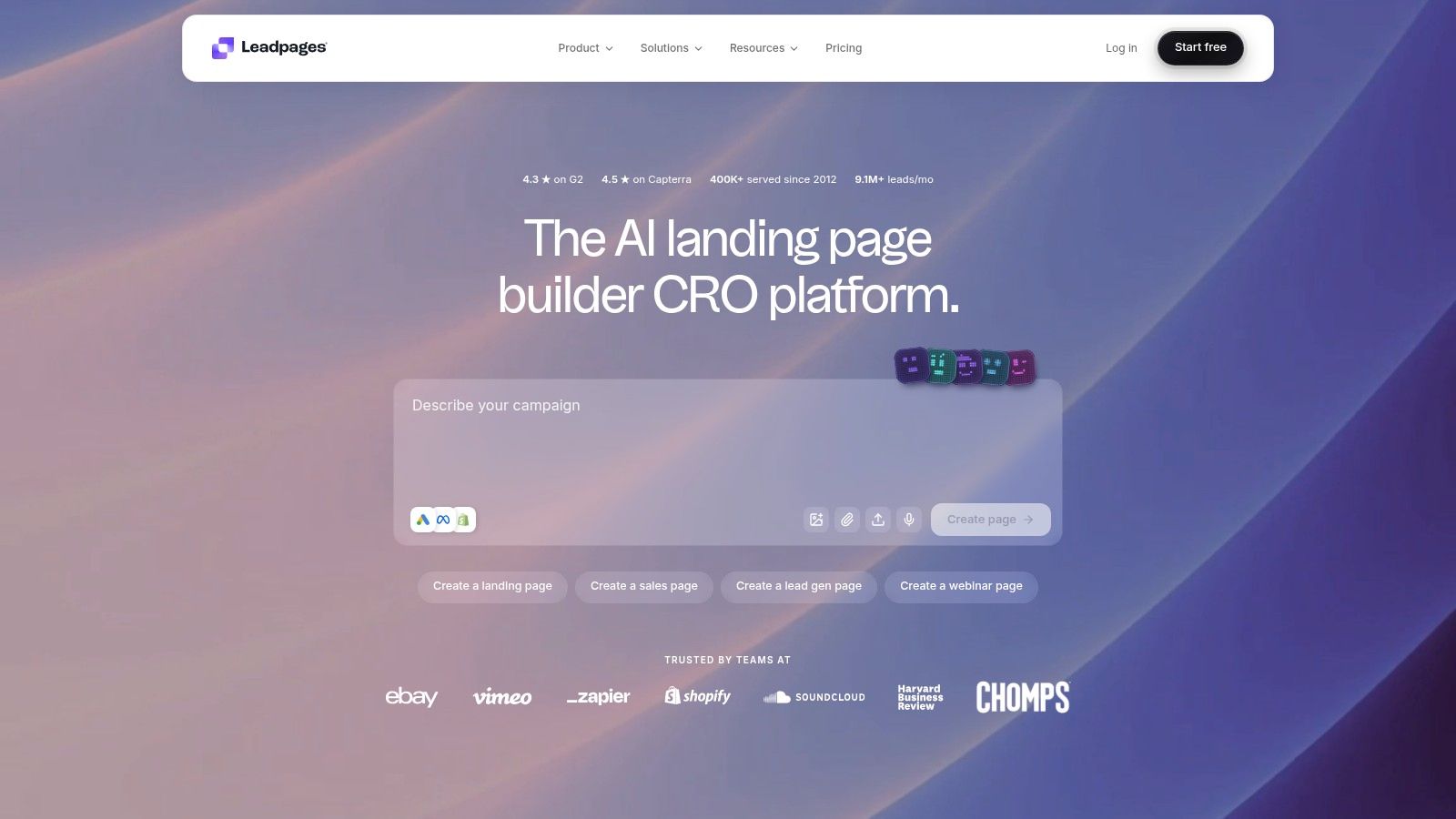
The sticker price flatters this platform. Pro starts at $29/month and Business at $49/month, while A/B testing waits behind Grow at $99/month, and a 7-day trial is advertised on Leadpages' published pricing.
That gap defines what Leadpages is operationally: a publishing system first, an experimentation system second. It combines landing pages, websites, blogs, AI page creation, and a visual editor, so a small business can run campaign pages and broader content from one account. Paid plans include custom domains and SSL, and the current pricing page lists no visitor traffic caps. Higher tiers add Smart Traffic, heatmaps, and personalization.
For a solo operator who wants pages live this week with a supporting site beside them, the entry tier covers the work. For a team that treats every campaign as an experiment, the honest budget starts at Grow, and buying Pro because the number looked friendly is the common mistake. Connected sales workflows belong to ClickFunnels or Systeme.io, and teams that want recurring upkeep handled for them should weigh Web Mage's daily autonomous optimization agents, as covered earlier.
AI copy inside the editor still needs an offer, an audience, and a claim check. Draft messaging with an AI landing-page copy generator, then review it like an ad, not a decoration.
Leadpages is a progression platform with a toll booth between publishing and testing. Buy it for the progression.
6. ClickFunnels
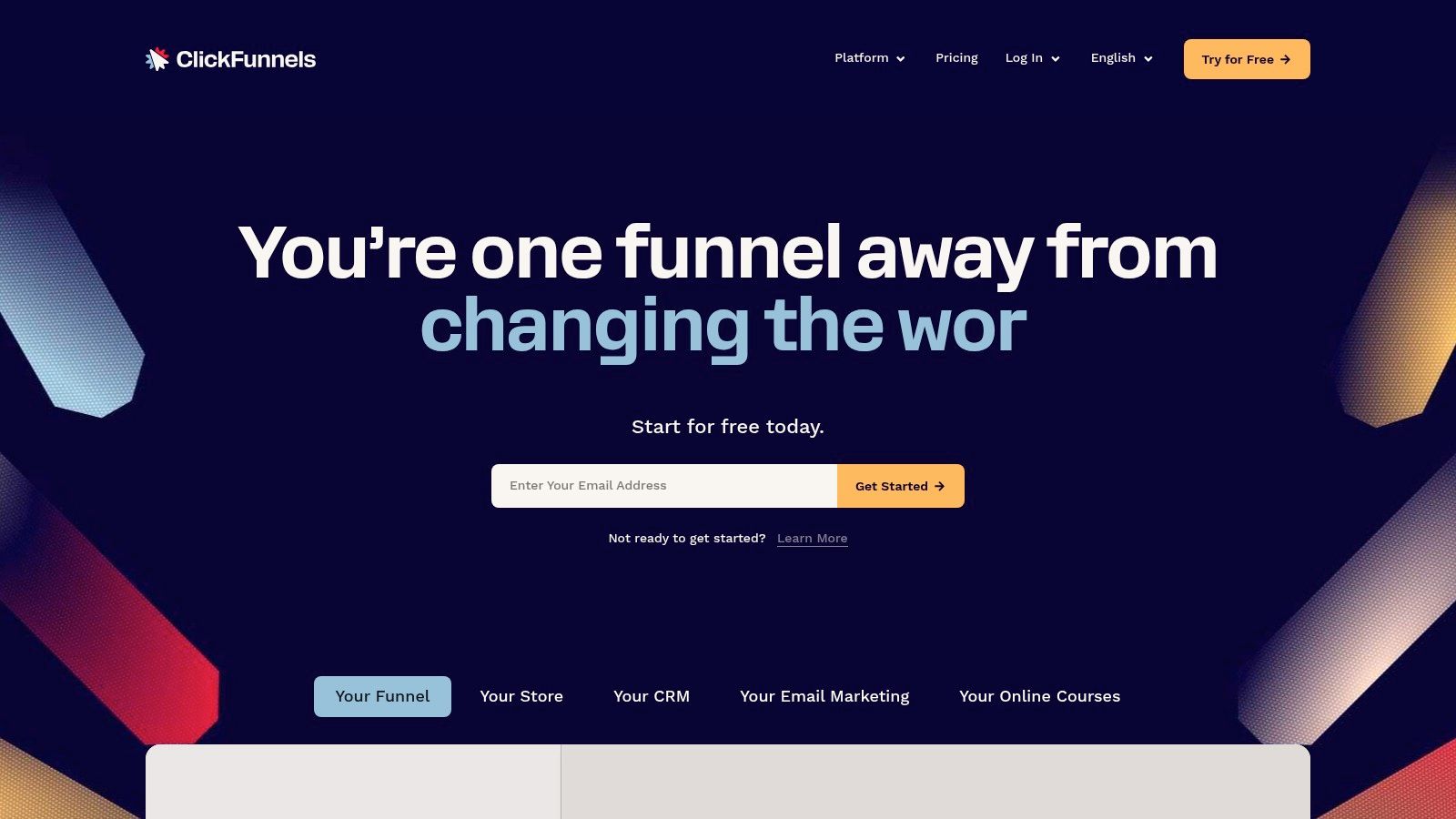
A coach selling a course needs more than a page with a form. ClickFunnels is the best fit for a connected sales workflow, bringing campaign pages, checkout, email, courses, and membership or community functions into a broader funnel platform.
That scope is its selling point and its main drawback. If you only need a lead-capture page connected to an existing email service, you're taking on more setup and learning than the assignment requires.
Monthly plans begin at $97, while annual billing lists Launch at $81/month, Scale at $164/month, and Optimize at $248/month, with unlimited funnels across the main paid plans, according to ClickFunnels' published offering.
Buying rule: Choose ClickFunnels when the sale requires connected steps, not because your campaign happens to start with a landing page.
Judge the full customer journey
The platform combines landing pages, websites, checkout, email automation, and creator-business features. Higher plans provide additional workspaces and larger contact allowances, while contacts, team members, workspaces, and email volume remain plan-dependent.
Its operational advantage is consolidation. Its limitation is that consolidation doesn't remove the need to configure the offer, payment journey, follow-up messages, and customer access.
Understand what a funnel builder does before comparing it with a landing-page editor. Choose ClickFunnels for selling through a structured journey; choose a narrower tool when your existing systems already handle everything after the signup.
7. Systeme.io
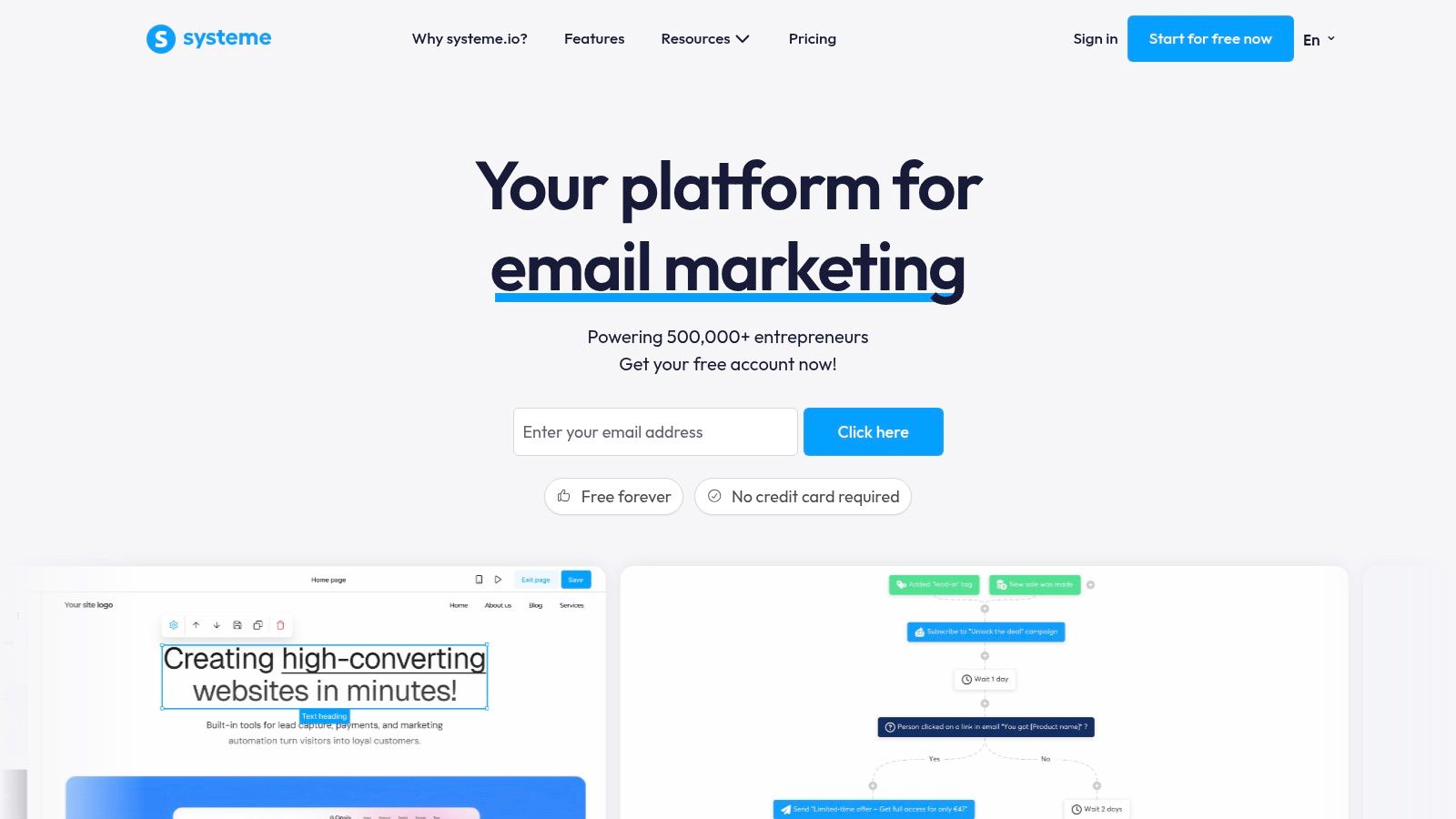
Best for budget-conscious creators building an online business. Systeme.io combines a visual page and funnel builder with email marketing, automation, course hosting, and affiliate-program tools.
A free plan is available without a credit card, while paid monthly plans are $17 for Startup, $47 for Webinar, and $97 for Unlimited, according to Systeme.io's published plans. Stripe and PayPal payments are supported, with no additional platform transaction fees listed.
Consolidate before you complicate
The practical appeal is straightforward: a creator can capture a lead, send follow-up emails, and support a course business without assembling a collection of separate services. For an early-stage offer, that's a more relevant advantage than elaborate layout controls.
- Choose it for. Low-cost lead capture, simple funnels, and connected creator-business functions.
- Watch the limits. Free and lower tiers restrict contacts, funnels, and courses.
- Accept the trade-off. It's less specialized for advanced landing-page design and experimentation than dedicated campaign platforms.
Compared with ClickFunnels, Systeme.io offers a more accessible starting point for cost-sensitive users. Compared with MailerLite, its appeal extends further into courses, funnels, and affiliate management rather than centering primarily on email acquisition.
Don't let the all-in-one label determine your architecture. Map the actual signup, payment, delivery, and follow-up process, then verify that your chosen plan supports it. A modest toolset that you operate consistently beats a cupboard full of unused wizard gear.
8. Wix
A service business usually needs one property that can take a booking, publish a page, and keep running after the ad spend stops. Wix is the best fit for a campaign page that lives inside a broader business website, especially when that site also has to handle service pages, scheduling, payments, or e-commerce.
Treat it as an operating system for the whole web presence, with landing pages as one module. The visual editor, templates, AI-assisted site creation, and hosting shorten setup, while the surrounding business tools reduce the number of services a small team has to stitch together.
A free plan supports Wix-branded publishing; the U.S. site lists Light at $17/month, Core at $29/month, and Business at $39/month, according to Wix's published offering. Custom-domain use and business capabilities require applicable paid plans.
Use breadth as the reason to choose it
| Operational need | Wix fit |
|---|---|
| Launch quickly | Strong when the page is part of an existing site or a new business presence. |
| Maintain the funnel | Practical for forms, scheduling, payments, and supporting pages on applicable plans. |
| Experiment often | Less specialized than dedicated campaign-testing platforms; some testing needs added tools or workarounds. |
| Hand off cleanly | Familiar site management helps owners who will edit pages after launch. |
Pick Wix when the broader website is the main asset and campaign pages support it. Pick Unbounce when repeated campaign creation and testing is the team's core motion.
Before committing, run one real path end to end: publish the page, submit the form, confirm the follow-up, and inspect the mobile result. A template preview proves nothing.
9. Framer
A launch page for a new product deserves a look nobody else has. Framer is the best fit for design-led campaign pages: product launches, waitlists, and branded lead-generation sites where the visual identity carries the pitch.
The freeform canvas and responsive breakpoints hand layout control to whoever is designing, and AI agents can draft sections and refine pages on request. Forms, analytics, and no-code publishing then carry the work from canvas to a live marketing site.
That control has a cost beyond the subscription. Someone has to own breakpoints, spacing, and the mobile result, and keep all of it aligned with the conversion goal.
A free plan covers evaluation. Published annual-billing prices list Basic at $10/month and Pro at $30/month, with A/B testing sold as a Pro add-on, according to Framer's published offering. Custom domains and unbranded publishing require paid hosting, and CMS or localization features sit on applicable plans, so treat free as a workshop rather than a finished campaign home.
Where Framer earns its keep
Run three checks before you commit:
- The launch is a showpiece. The page needs art direction a template library cannot produce.
- A designer stays on call. Variants ship as edited pages, since experimentation is an add-on rather than the operating model.
- The workflow suits the team. Web Mage works for teams that would rather describe changes in a prompt; Framer rewards teams that want their hands on the canvas.
Pick Framer when visual authorship matters more than autonomous upkeep. A striking page still needs legible copy, a working form, and an obvious next step, so keep the dragon off the signup button.
10. MailerLite
A lead magnet can be live before lunch and still miss by Friday if the welcome email never lands. MailerLite is the pick when the page is only the front door and the asset is the list behind it: newsletter signups, resource downloads, and email-first campaigns that need capture and follow-up in one workflow.
The builder covers AI-generated drafts, editable prebuilt sections, branded styles, forms, and reusable blocks, then routes new contacts straight into email marketing and automation. MailerLite's published offering shows a free plan with one landing page, hosting, and email marketing; paid landing-page plans start at $12/month for Comfort and $25/month for Power.
Keep the test operational. Submit a real signup, watch the confirmation, open the delivery message, check audience assignment, and read the first automated email as if you had never seen the brand. If any step feels improvised, fix that before polishing the hero.
Choose it for creators and small businesses chasing list growth. Paid access becomes the trigger for more pages, testing, click heatmaps, and advanced automation; high-volume experimentation remains better suited to dedicated conversion platforms. Pick Systeme.io instead when courses, affiliate management, and sales funnels carry equal weight.
Top 10 Landing Page Builders: Feature Comparison
| Platform | Page and Funnel Creation | Optimization and Standout Strength | Best For | Starting Price |
|---|---|---|---|---|
| Web Mage (Recommended) | Prompt-generated pages and connected funnels; edit by chat | Daily AI agents handle SEO, speed, analytics, and A/B tests; hosting and SSL included | Founders and small teams seeking fast, low-maintenance launches | $8/month; 500 credits included |
| Unbounce | Drag-and-drop landing pages, templates, forms, and pop-ups | Campaign-focused A/B testing and marketing integrations | Marketers and agencies running lead-generation campaigns | From $29/month; Build plan $99/month |
| Instapage | Visual page builder, reusable blocks, and collaboration tools | Heatmaps and conversion tracking; advanced testing on select plans | Marketing teams and agencies producing pages at scale | $99/month, or $79/month billed annually |
| Landingi | AI generation plus visual editing, funnels, and templates | Testing and analytics on higher tiers; agency tools available | Users wanting AI assistance with hands-on control | From $24/month billed annually |
| Leadpages | AI page creation, visual editor, websites, and blogs | A/B testing and advanced optimization on higher tiers | Creators and small businesses needing publishing and lead capture | From $29/month |
| ClickFunnels | Pages, checkout, sales funnels, email, and courses | Broad sales workflow tools in one platform | Coaches, course creators, and businesses selling online | From $97/month |
| Systeme.io | Pages, funnels, email, courses, and affiliate tools | Affordable all-in-one business platform with a free plan | Budget-conscious creators and small businesses | Free; paid plans from $17/month |
| Wix | AI-assisted website and landing-page creation with visual editing | Broad website, commerce, and business features | Businesses building a full website alongside campaign pages | Free; paid plans from $17/month |
| Framer | Design-led visual canvas, AI drafting, and responsive pages | Flexible branded design; A/B testing is an add-on | Teams creating polished marketing and launch pages | Free; paid plans from $10/month billed annually |
| MailerLite | Landing pages connected to email forms and automation | Email follow-up built in; testing and heatmaps on paid tiers | Creators and small businesses focused on growing email lists | Free; paid plans from $12/month |
Cast Your Final Spell Wisely
The strongest landing-page builder matches your operating style. Choose Web Mage for prompt-first creation and autonomous optimization, Unbounce for established campaign teams, Instapage for scaled production, and Landingi for mixed AI-and-manual workflows. Choose Leadpages for publishing with an optimization path, ClickFunnels or Systeme.io for connected sales operations, Wix for a broader business website, Framer for design-led launches, and MailerLite for email capture.
Don't rank these tools by screenshots alone. Compare the complete workflow: generating the page, refining mobile layouts, connecting forms, publishing securely, measuring outcomes, and deciding who makes the next improvement. Include traffic allowances, credits, testing access, add-ons, and manual effort in your cost assessment.
Measure against your own campaign
A universal conversion target won't settle the choice. Research covering more than 41,000 landing pages and 57 million conversions found a 6.6% median conversion rate, with 8.4% for financial services and 3.8% for SaaS, illustrating the importance of category-specific comparisons in MarketingProfs' benchmark coverage.
Define the outcome before testing: qualified lead, completed checkout, booked call, or activated trial. Nielsen Norman Group identifies conversion, click-through, retention, and revenue metrics among common options in its A/B-testing guidance. Pick the metric that reflects the business result, not whichever dashboard number looks most flattering.
Automation should explain why it promoted a winner. It shouldn't ask you to accept a result because the wizard said so.
Set the baseline, minimum detectable effect, and evidence threshold before routing traffic. A documented framework commonly uses a 95% statistical-significance threshold alongside sample-size planning, as described in Market With Boost's testing framework. Sparse traffic, changing audiences, and revised offers require particular care.
Verify the experience before buying traffic
Review mobile usability, page speed, form completion, and downstream lead quality. Also test keyboard navigation, visible focus, meaningful image alternatives, form labels, and color contrast; automated checks don't replace human accessibility testing or guarantee legal compliance.
Start with a small campaign budget, a defined conversion goal, and a named owner. Run the funnel end to end from first click through follow-up, then choose the builder your team can maintain. That's how you select a top landing page builder without mistaking an impressive demonstration for a dependable operating system.
Web Mage generates complete landing pages and connected funnels from plain-language prompts, then puts daily agents to work on SEO, speed, analytics, and split testing. Visit Web Mage and use its trial to build your actual offer, review the customer journey, and decide whether prompt-first operation is the right spell for your next campaign.