
You're sitting on a half-written business plan, a launch date already on the calendar, and no desire to learn a design tool. AI website builder tools promise a live site from a short description, sometimes before the coffee cools. A month later the picture changes. Control, credit costs, and who reviews the copy are where they split.
So rank them by the person who has to maintain the site. A fast first draft is easy magic. Lock-in, editing limits, and unreviewed claims are the part that bites.
The money behind this category is real. The Grand View Research website builder outlook values the broader website-builder market at USD 4.7 billion in 2025 and USD 15.5 billion by 2035, a 12.7% compound annual growth rate from 2026 to 2035, and projects the AI-specific segment to grow faster at 20.55%. Treat those totals as directional, since market definitions rarely match.
Ten builders follow, scored on cost after launch, how you edit, what runs without you, and who should pick each one.
Table of Contents
- 1. Web Mage
- 2. Wix AI Website Builder
- 3. Squarespace Blueprint AI
- 4. Framer
- 5. Webflow AI Site Builder
- 6. Hostinger AI Builder
- 7. 10Web
- 8. Durable
- 9. B12
- 10. Duda
- AI Website Builder Tools at a Glance
- Choosing Your Familiar That Fits Your Quest
1. Web Mage
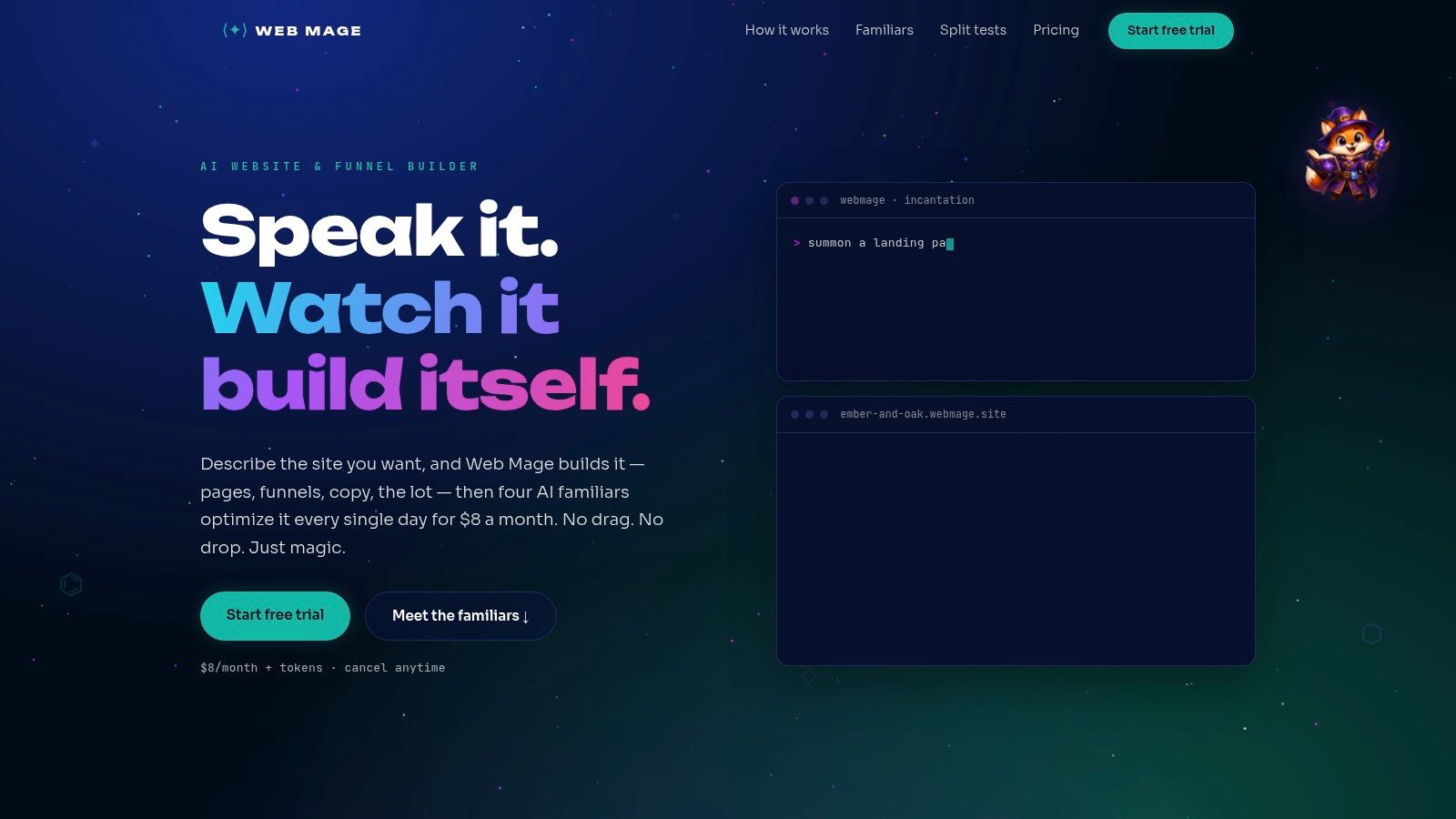
Say you're launching a webinar funnel this week and you refuse to start from a blank canvas. Describe the offer in plain language and Web Mage generates the pages, copy, images, and layout, or a connected path from landing page through checkout, upsell, and thank-you. Later edits are chat requests, not canvas nudges. There is no drag-and-drop editor and no template. That is the speed, and it is the wrong fit if you like moving every block by hand.
Familiars on the Night Shift
Four familiars run automatically every 24 hours, with no setup on your side. SEO Seer crawls pages nightly, rewrites meta, and fixes broken links. Speed Sprite compresses images and monitors page speed. Analytics Oracle reads traffic to surface visitors who stall or abandon. Conversion Alchemist drafts a challenger with a new headline, layout, or offer, runs the split test, promotes the winner, and retires the loser.
The credits tell you what this upkeep costs. A complete 5-page funnel costs about 300 credits. A monthly SEO review runs about 150. Creating and monitoring one split test costs about 5. The single plan is $8 per month and includes unlimited pages and funnels, the patrols, a monthly SEO review, a weekly analytics reading, hosting, SSL, a custom subdomain, and 500 credits each month. Monthly credits reset, while top-ups of 1,000 credits for $20 never expire. You can cancel any time.
Heavy pages undo a pretty launch. The HTTP Archive 2025 Web Almanac found pages of 5 MB or more passed Largest Contentful Paint only 57% of the time on desktop and 44% on mobile, versus 82% and 72% for the lightest pages. On those heavy pages, LCP sat around 3.3 seconds, against 2.1 seconds on desktop and 2.6 seconds on mobile for pages up to 1 MB. Weight belongs in the build, not in a later apology, which is why a familiar that compresses assets daily matters more than one that generates them fast.
Product examples cite LCP improvements such as 2.4 seconds down to 1.1 seconds. Treat numbers like these as illustrations of what the agents do, and read every price, proof point, and promise on your own pages before they go live. The case studies page lists four real builds: Maverick Build, NanoPIM, RightTech, and Trade Shield NZ. The machinery itself is crafted by arcane machinery and powered by RightTech.
Practical rule: Let chat handle routine edits, and keep a human on anything that states a price, a claim, or a guarantee.
Pick this when you want a funnel and nightly upkeep without a visual studio. If pixel-level control is the job, keep reading.
2. Wix AI Website Builder
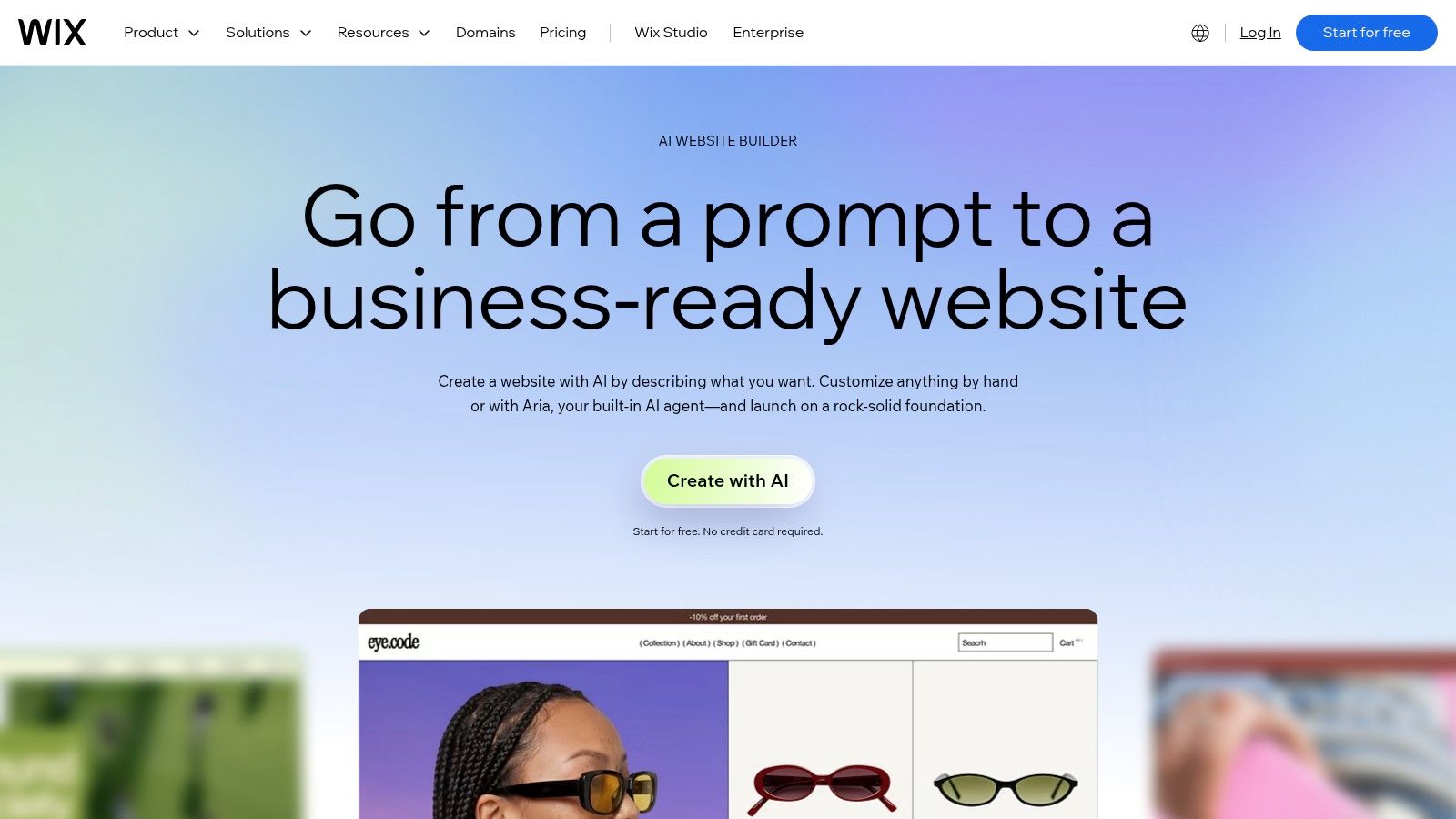
Wix is the crowded workshop, not a single spell. You describe the business in a conversation, get a site, then refine it in the visual editor or with Aria, the AI assistant. Commerce, bookings, marketing, and SEO sit in the same account, with hosting and support on paid plans. That's useful when one person runs the shop and the site.
The free tier lets you build and test. Publishing on your own domain, and the fuller business toolkit, needs a paid plan. Drafts still need a pass so the brand doesn't sound like every other prompt. The settings pile up. If you only wanted a landing page, you'll click through tools you don't need yet.
- Start free, publish paid: Build and test without paying, then upgrade for a custom domain.
- Two ways to edit: Use Aria for speed, or drag sections when the layout is wrong.
- After launch: You, or a freelancer, still own brand edits. Wix won't run your optimization on a daily clock.
For the prompt habits that keep a first draft from going generic, see how to build a website with AI. Choose Wix when the business tools matter as much as the pages.
3. Squarespace Blueprint AI
Squarespace Blueprint AI interviews you before it draws. Purpose, pages, personality, palette, and type come first. Then you get a multi-page start with draft copy and images, still editable in the normal Squarespace tools, including Fluid Engine. Writing help, commerce, and appointments are there if the brand grows into them.
Polished isn't the same as finished. Swap the generated photos and rewrite any line that could belong to a rival.
Creators, studios, and service brands that care how the grid feels should start here. Blueprint AI is a desktop workflow, not a phone one. If you want one chat command to restyle the whole site, you'll fight the editor. Review business details before you publish. The guide is strong. The upkeep is still yours. See Squarespace.
4. Framer
Framer generates pages, sections, and draft copy, then hands you a real canvas. Layout, type, breakpoints, and interactions stay editable. Marketing sites, portfolios, and content-led landing pages are the natural quest. Managed hosting, SSL, a CMS, forms, SEO settings, and analytics live on the platform.
In 2025, 93% of web designers reported using AI tools in their workflow, according to Clutch's State of Digital Marketing Web Design report. Framer fits that crowd. The first draft isn't a locked mock-up, and the free plan lets you try the editor. The cost of that freedom is judgment. A flexible canvas will happily publish a messy one.
Paid plans include AI credits and cap pages, CMS collections, and bandwidth. Localization and A/B testing are add-ons, so the experiment you assumed was included may be a second invoice. Don't pick Framer if nobody on the team will touch design after launch. Do pick Framer when a designer, or a careful founder, will keep refining.
5. Webflow AI Site Builder
You describe the business, the audience, and the pages you need. Webflow's AI Site Builder returns structure, content, and a theme, not a single hero. From there you edit in Webflow's visual development tools, and you can ask AI for sections, copy, and CMS items.
That depth is the trade. Complex marketing sites and content models belong here. A brochure does not. The AI Site Builder is meant for new sites or sites it already generated, so it isn't a magic import for every old project. Without a paid Workspace or Site plan, generated sites stop at two pages. Paid plans start you at up to five. The learning curve is steeper than a guided builder, and someone technical should own it after launch.
Use Webflow when the site will grow into a real CMS and you have a person who will learn the tool. Skip it when you need to ship this afternoon and never open a style panel.
6. Hostinger AI Builder
Hostinger will start from a prompt, a URL, an image, or a PDF, then let you edit by hand or by conversation. Hosting, SEO tools, domains, and integrations sit beside the builder, and you can push toward simple apps with accounts and databases. That's more spellbook than most local shops need.
Publishing and keeping the project reachable depend on an eligible active hosting plan. Drop the plan and the site doesn't stay casually online. AI credits and feature limits change by tier, so read the allowance before you generate ten variants. Cloud delivery is the norm in this category. Custom Market Insights estimates cloud-based deployment was 87% of the AI-powered website-builder market in 2025. Bundling the builder with the host matches how people already buy.
- Inputs: Prompt, existing URL, image, or PDF.
- Lock-in: An active eligible plan is the key to publish and to stay up.
- Fit: One login for site and host, not a minimal one-page card.
If you're weighing that bundle, read about website hosting and a builder before you migrate DNS. Hostinger is the pick when the host and the generator should be the same vendor.
7. 10Web
10Web generates a new site from a prompt or rebuilds one from a site you already have, then parks it on managed WordPress with an Elementor-style visual editor. Plugins, backups, SSL, and performance tools come with the platform. That's the reason to choose it, and the reason it can feel heavier than a closed builder.
WordPress still asks decisions. Themes, plugin updates, and form plugins don't vanish because an AI drew the first layout. Free use is narrow, with one-site limits and trial-based full editing, so confirm renewal pricing before you point a client domain at it. The person who maintains this site should be comfortable in WordPress, or willing to pay someone who is.
Choose 10Web when you want AI setup plus the plugin ecosystem. Don't choose it to escape maintenance. You traded a blank install for a hosted one, not for a site that runs itself.
8. Durable
Durable's bet is speed for a small business that also needs a CRM, invoices, or bookings. You get a responsive site, hosting, basic SEO, and extra AI help for images and busywork. The free option is a private preview, not a public site on your domain. Upgrade before you send the link to customers.
In 2024, 75% of surveyed entrepreneurs said generative AI gave their business a competitive edge, according to GoDaddy's small-business survey covered by TechRadar. Durable chases that "online this afternoon" feeling. Layout control is the casualty. If you need a long content site or a multi-step sales path, check the feature list before you fall in love with the timer.
For a plain small-business starting point, compare notes in an AI website builder for a small business. Use Durable when operations matter more than custom layout, and someone will still rewrite the stock sentences.
9. B12
B12 aims at service firms, not lookbooks. A prompt builds the draft. Chat and a visual editor handle later changes. Plans can wrap the site with intake, payments, contacts, email, and contracts. If you'd rather not DIY the first pass, there's a higher-touch expert setup, and it isn't in the free tier.
Owners are cautious about unsupervised edits. A Bluehost look at small businesses using AI reported that only 30% would let AI modify the site on its own, while 54% wanted to approve every change. B12's mix of chat and visual edits matches that caution better than a fully hands-off agent. The free plan lives on a B12 subdomain. Paid plans cost more than many entry DIY builders, and AI credits plus project limits vary.
Pick B12 for a practice that sells time, takes payments, and wants intake beside the website. Skip it for a cheap personal page.
10. Duda
Duda is the agency pick. Pricing runs per project rather than a single hobby plan, and it is built for teams managing many client sites at once. A prompt generates pages and sections, with reference files and images attached to guide the output. The AI also drafts copy, meta tags, and image alt text, and every generated section stays editable afterward.
That upkeep work is what an agency can bill for. A 2025 survey of 754 small and midsized business owners, covered by Reuters on TradingView, found 75% experimenting with AI. Sell the maintenance, not the novelty. Drafting metadata and alt text is the kind of recurring task that justifies a retainer. Before quoting a client on stores, bookings, or dynamic pages, check the current feature list, and confirm which AI actions sit behind permissions or credit allowances.
- Best seat: An agency producer who already manages client projects.
- Weak seat: A single personal site, where per-project pricing buys machinery that sits idle.
- Review rule: Alt text and meta are safe to draft. Offers and legal lines are not.
Use Duda when the client roster is the product. A solo founder will pay for seats they never fill.
AI Website Builder Tools at a Glance
Read the editing column before the price. That column describes the work someone still does every week after launch day, and a preview that cannot go live is not the same thing as a free site.
| Item | Free option | Editing style | Best for |
|---|---|---|---|
| Web Mage | No free option stated; plan from $8 per month | Chat-based AI editing; no drag-and-drop editor | Founders who want AI-built funnels and automated optimization |
| Wix AI Website Builder | Build and test a site for free | AI assistant and visual drag-and-drop editor | Small businesses wanting a broad set of business tools |
| Squarespace Blueprint AI | No free option stated | Guided AI setup and visual editing with Fluid Engine | Creators and businesses seeking polished design |
| Framer | Free plan to try the editor and AI features | AI generation followed by visual-canvas editing | Marketing sites, portfolios, and landing pages needing design control |
| Webflow AI Site Builder | Free sites are limited to two pages | AI generation with detailed visual development tools | Multi-page sites needing design and CMS control |
| Hostinger AI Builder | Eligible active hosting plan required to publish | Visual editing or conversational AI changes | Users who want site creation and hosting together |
| 10Web | Restricted free use; full editing access is trial-based | AI generation with WordPress and Elementor visual editing | Users seeking AI-assisted WordPress sites |
| Durable | Free private preview | Quick AI generation with limited layout customization | Small businesses prioritizing a fast launch and basic business tools |
| B12 | Free plan on a B12 subdomain | AI chat and visual editor | Service businesses needing client-engagement tools |
| Duda | No free option stated | AI generation with editable sections and site-builder tools | Agencies managing multiple client websites |
Match the row to whoever maintains the site. Chat editing suits owners who describe changes in plain language; a visual canvas suits someone who enjoys adjusting layout by hand. If neither person exists on your team, the cheapest plan is still expensive.
Choosing Your Familiar That Fits Your Quest
No single tool wins every quest. Match the builder to the person who will still be logged in next year.
- Funnel this month: Take the $8 chat builder with nightly familiars if you don't want a canvas.
- Shop plus site: Wix when bookings and commerce should live with the pages.
- Visual brand: Squarespace Blueprint AI for guided polish, Framer when a designer will keep pushing the canvas.
- Content system: Webflow if someone will learn it. 10Web if the answer is WordPress plugins.
- Host in the same cart: Hostinger, knowing the plan is what keeps the site reachable.
- Local services: Durable for a fast ops bundle, B12 when intake and payments are the core product.
- Many clients: Duda, and don't expect prompt generation to spit out a store.
Before you pay, price the second month. Credits for edits, what an "active plan" includes, page caps, and add-on testing change the spell. Export, domain, and backup rules decide whether you can leave. Cancel paths matter. Ours is any time, but check the others in their own checkout, not in a comparison screenshot.
Launch isn't the finish. Guidance from Name.com on making a website with AI is blunt about what drifts afterward. Generated sites can look and sound generic, code can carry security holes, content can be biased or inaccessible, and formulaic pages can fail in search. SEO, mobile layout, customization, export, and lock-in stay open problems. Speed saved you design hours. It handed you QA.
Hold the work to field thresholds, not a vibe. Google's Core Web Vitals guidance says Interaction to Next Paint should be within 200 milliseconds, judged at the 75th percentile on mobile and desktop. A pretty hero that ignores taps will tax the funnel. Titles need the same honesty. Google's title link documentation says every page should set a descriptive, concise HTML title, and Google may also use the visible heading, prominent text, anchors, and structured data. A metadata rewrite that disagrees with the H1 is a fake fix. Crawlable links need a real anchor and a real href, not text dressed up to look clickable.
The category's own forecast is steep, and it shouldn't rush you. Virtue Market Research valued AI website-builder tools at $3.17 billion and projects $31.49 billion by 2030, a 58.28% compound annual growth rate from 2025 to 2030. More tools will appear. Your test is smaller. Build one real page in one or two finalists. See what an edit costs, who approves it, and whether the site is still fast, accurate, and yours a year out.
Ship the draft today. Don't hand the wand to a tool that won't show you the diff tomorrow.
We turn a plain-English brief into a live website or sales funnel, then keep SEO, speed, analytics, and split tests moving every day through familiars you don't have to configure. If the quest is a launch this week without surrendering the site next month, start with chat instead of another blank canvas. Visit Web Mage and run one real page before you spend another afternoon comparing spells.